5 min read · General information only, not professional advice.
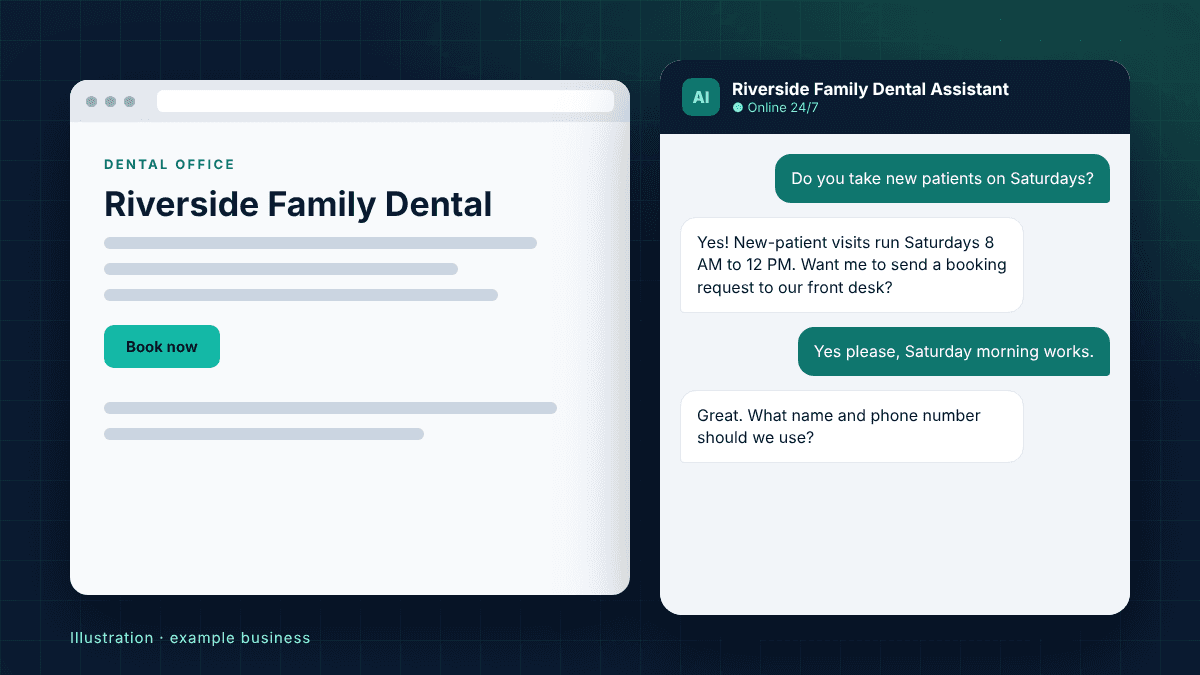
An AI chatbot for a dental office is a chat window on the practice website that answers common patient questions at any hour and collects appointment requests for the front desk to confirm. Done well, it covers evenings and weekends, when many people look for a dentist, without giving clinical advice or asking for health details.
Which questions can it answer?
The best fit is anything your front desk answers the same way every day: office hours and location, whether you accept a particular insurance plan, what happens at a first visit, how to fill in new-patient forms, payment and financing options, and how to reach you in an emergency. Each answer comes from information the practice has approved, so patients get the same reply your team would give.
Can it book appointments?
Yes, in one of two ways. If you already use online scheduling, the chatbot sends patients straight to that booking page. If you book by phone, it collects the patient's name, phone or email, preferred times and the reason for the visit, then sends that request to your team to confirm. Either way, fewer after-hours visitors leave without getting in touch.
What it should never do
A dental chatbot should not diagnose, recommend treatment, or ask patients to type symptoms, medical history or insurance ID numbers into the chat. Questions about pain, swelling or anything clinical should be handed to a person, with emergency instructions shown clearly. If your practice needs a fully HIPAA-covered workflow, choose tools and agreements built for that before collecting any health information.
How to tell if your practice needs one
Look at three things: how many calls go to voicemail after hours, how often staff answer the same insurance and new-patient questions, and whether your contact form is the only option for evening visitors. If any of these sound familiar, a chatbot is likely to pay for itself in recovered appointment requests and saved front-desk time.
How to start without risk
Ask for a demo trained only on your public website before you commit. Read every answer it gives, correct anything that is out of date, and agree the handoff rules in writing: what it answers, what it passes to staff, and where requests go. Then review real conversations monthly and update the answers as your services change.